Start a conversation from a contact
Write to a customer first: the Send message button opens their newest conversation, or asks which channel to reach them on and creates one.
Sometimes you need to write to a customer rather than answer one. This page goes from a customer record to a conversation open in the queue.
Goal
From a customer's record, open a conversation with that person on the channel you want the message to go out by.
Before you begin
- Write access to conversations on your own account. The matrix is in Roles and per-feature permissions.
- At least one working channel in the workspace. Without one, do Create your first channel first.
- The customer's record already exists. This button opens a conversation for a record that is there; it does not create one.
Steps
Open Contacts, find the person you want to write to and press View details on their row.
At the top of the record, press Send message.
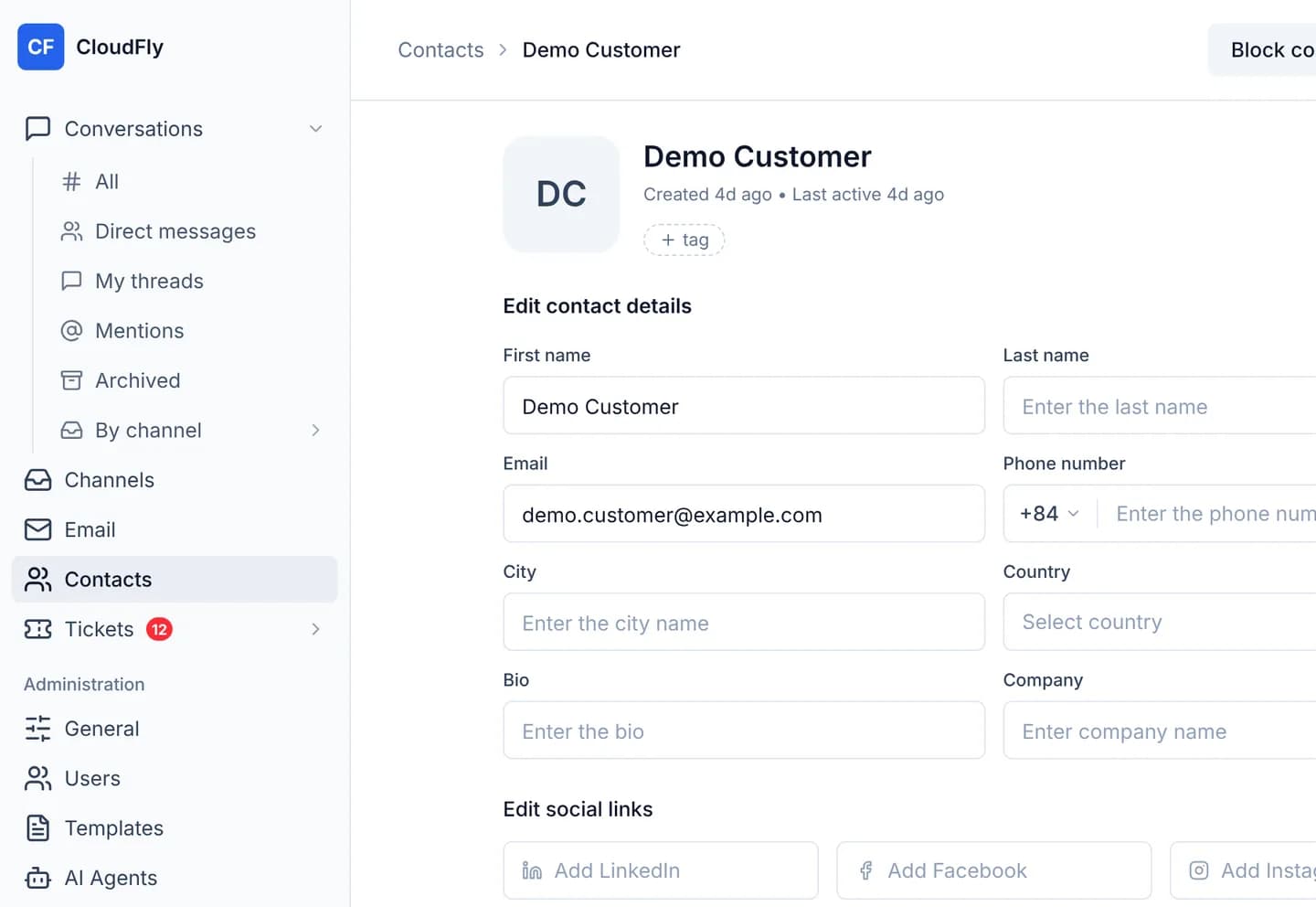
If this person already has conversations, the console opens their newest one straight away, including a conversation that was resolved.
If they have none, the Start a conversation on panel opens on the right, under the line Pick the channel to reach this customer on — it is the route the message goes out by.
Click a channel name in the list. When the workspace holds a single channel, the console does not ask and opens the conversation itself.
Write and send as you would anywhere else. The composer is covered in Handle your first conversation.
The lookup follows linked records
If you have linked somebody's Zalo record to their Facebook record, this button may open their Facebook conversation — it takes the newest one, whichever channel and whichever record it sits on. Linking and unlinking are covered in Link two records as one person.
Verify
The browser address becomes /conversations/<number>, and the right-hand panel
carries the name of the customer whose record you were reading. That is the sign
the conversation belongs to the right person.
Open the All tab in the queue and filter by the channel you picked: the new conversation is in that list. Two operators pressing at the same moment still land on one conversation, because the server looks for the customer's open conversation on that channel before it creates another.
Troubleshooting
| Symptom | Cause | What to do |
|---|---|---|
| There is no channel to start a conversation on yet. | The workspace has no channel | Do Create your first channel |
| Could not open a conversation with this contact. | The channel you picked was deleted, or the account lost write access | Reload the page and pick another channel |
| The console opens another customer's conversation | Two records are wrongly linked as one person | Unlink them, following the linking guide |
| The conversation that opens is already resolved | The button takes the newest conversation and does not filter by status | Answer inside it, or move its status back to open |
Next steps
Merge two duplicate contacts
Absorb a duplicate record into the contact you are looking at, on the Merge tab. The record you pick is deleted for good, so a confirm box comes first.
Tickets and SLA in the console
Five pages that open a ticket, run a team's Kanban board, configure its columns, set an SLA policy and build the working calendar the SLA clock counts on.