Spot and fix a disconnected channel
Recognise a channel that stopped receiving from the badge in the channel list, ask the third party directly with the check button, then reconnect its own way.
A broken channel looks exactly like a quiet week. This page shows where the console says otherwise, and how to ask the third party instead of guessing.
Goal
Know which channel has stopped receiving messages, and put it back into a state where messages arrive again.
Before you begin
- Channel write access, without which reconnecting is impossible; check Roles and per-feature permissions.
- For Facebook, the account that administers the Page, because reconnecting is theirs to press.
- For Zalo, a way to obtain a fresh refresh token, or a line to the OA administrator.
- For Telegram, knowledge of whether the server's current public address is right.
Steps
Press Channels in the left column and read the list from the top.
A row carrying the red Needs reconnecting badge is a Facebook channel whose credentials Facebook has stopped accepting.
Press the gear at the end of that row to open the channel.
Facebook channel: open the Messenger Configuration tab and press Check connection. The answer comes from Facebook, not from our stored rows.
Both Page token accepted by Facebook and Page subscribed to this server have to read Yes.
If either reads No, press Reconnect with Facebook, and leave this Page ticked on Facebook's screen.
Zalo channel: open the Zalo OA Configuration tab and read the badge under Access token, along with the error line beneath it if there is one.
Telegram channel: open the Telegram Configuration tab. A Failed badge calls for Register webhook again, once the server address is correct.
Return to the Channels list and confirm the red badge has gone from the row you worked on.
The red badge appears only after two consecutive sends fail for authorisation reasons, not on the first. Facebook also returns transient errors, and a warning that cries wolf gets ignored even when it is right. The notification goes to administrators, because only they can reconnect. One successful send, one reconnection, or one passing Check connection clears the flag.
Verify
The row in the Channels list no longer carries the red Needs reconnecting badge. For Facebook, press Check connection again and read Yes on both lines.
Send that channel a message from the customer's own app. It has to reach the Conversations queue, and a reply written in the console has to arrive.
Troubleshooting
| Symptom | Cause | What to do |
|---|---|---|
| Check connection answers Yes and Yes, yet nothing arrives | The app's webhook address is stale, or its webhook fields are off | That belongs to the deployer; the console cannot fix it |
| Reconnecting reports the Page was not part of that connection | The Page was unticked on Facebook's screen | Reconnect and tick that Page; the list you confirm replaces the previous one |
| The Zalo badge reads Expiring soon | The access token is nearing its 25-hour mark | Not a fault; renewal happens before it expires |
| The Zalo badge reads Not connected after a long break | The refresh token passed three months and died | Authorise the OA again — see Connect a Zalo Official Account |
| The Telegram badge reads Failed right after a server move | The public address changed while the webhook points at the old one | Correct the address, then press Register webhook again |
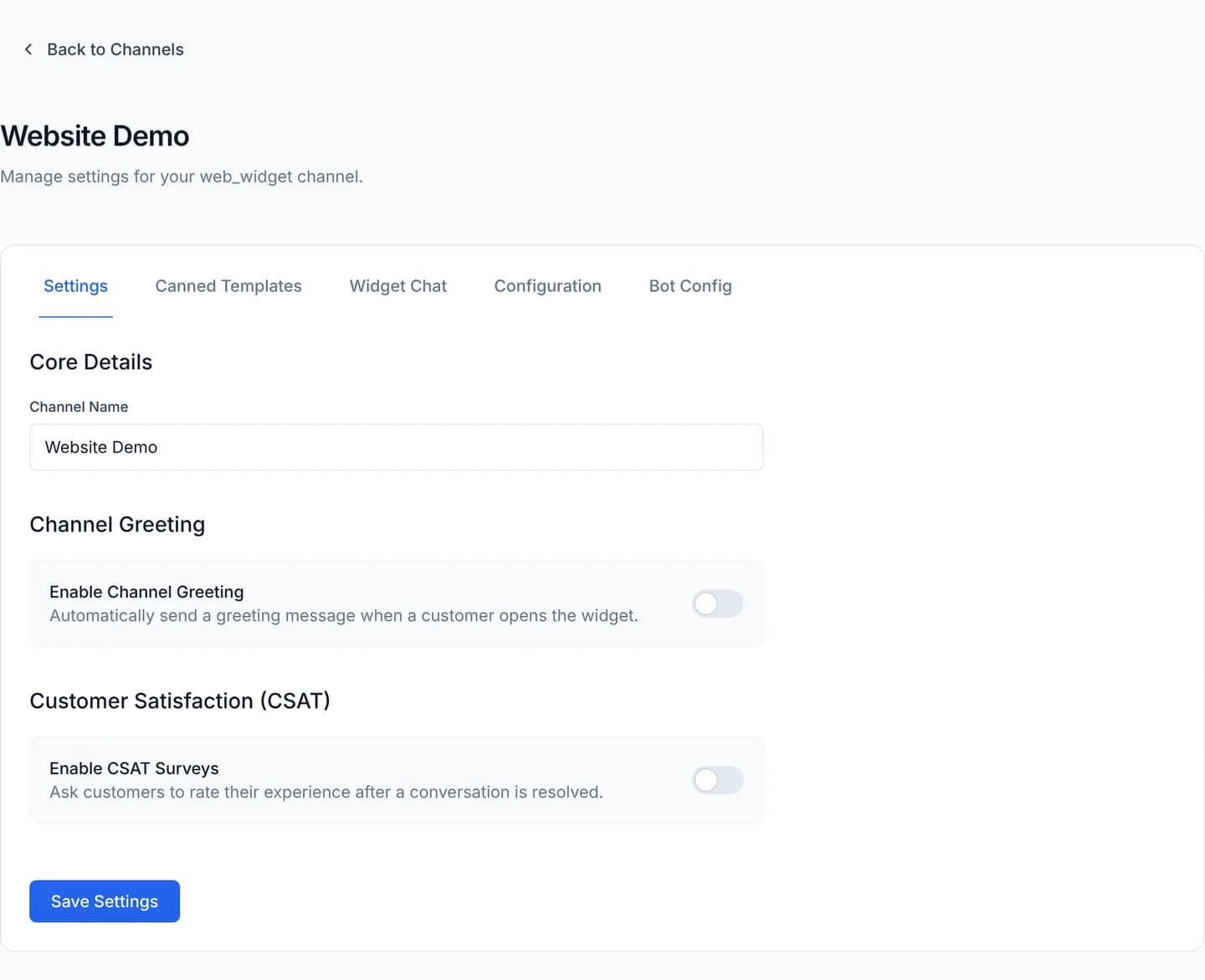
| A website widget channel shows no status badge at all | The widget holds no third-party token, so there is nothing to break | Check the channel's list of embeddable domains |
| No notification arrived although a channel is broken | Your account does not carry the administrator role | Channel disconnection notices go to administrators only |
Next steps
Connect an IMAP/SMTP mailbox
Attach an IMAP/SMTP mailbox to the CloudFly Helpdesk console: let it guess the servers, correct the ports and TLS, then test before you sign in.
Managing contacts
Customer records live under Contacts. This section covers linking two records that are one person, duplicate records, and messaging a customer first.